

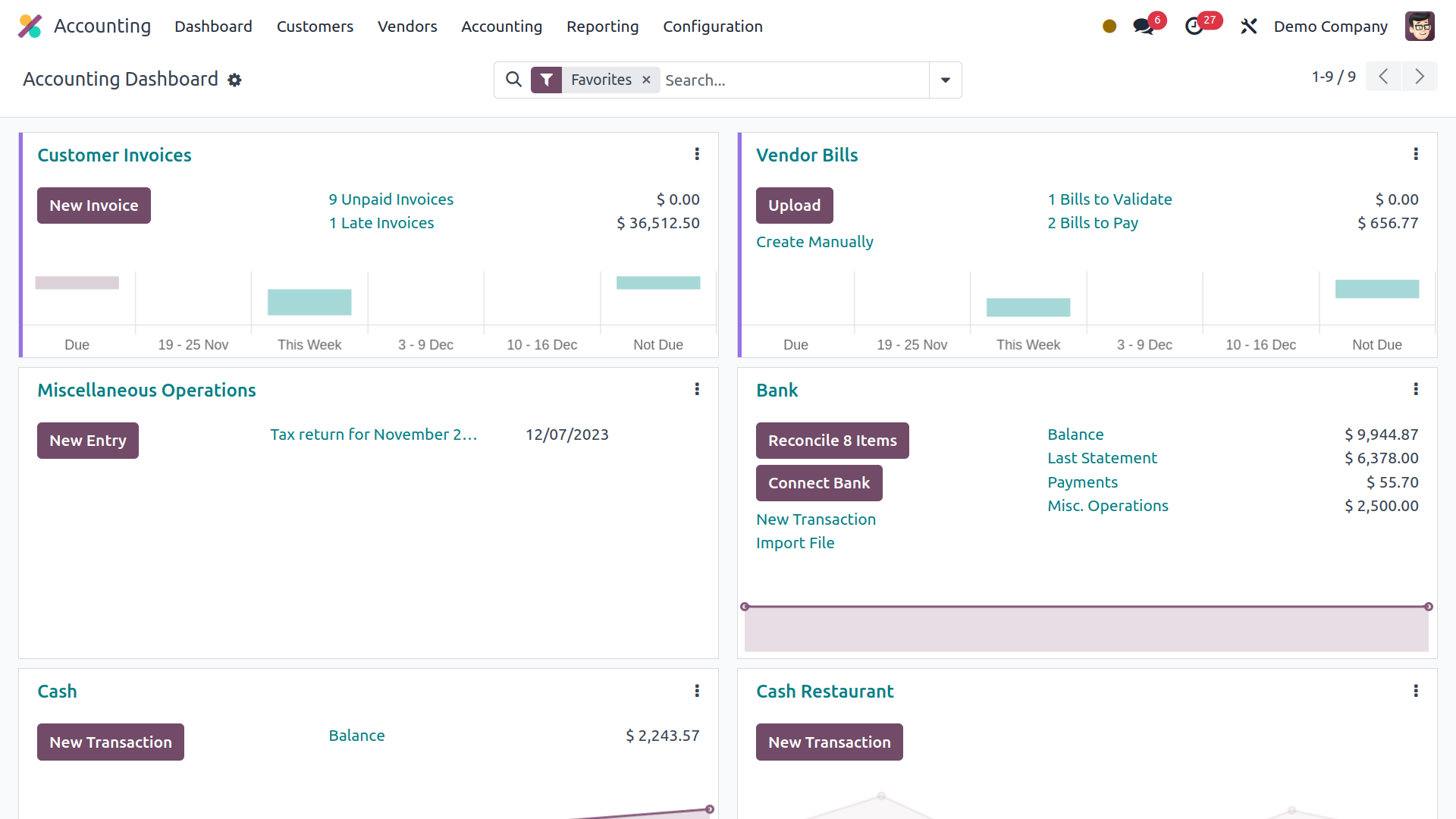
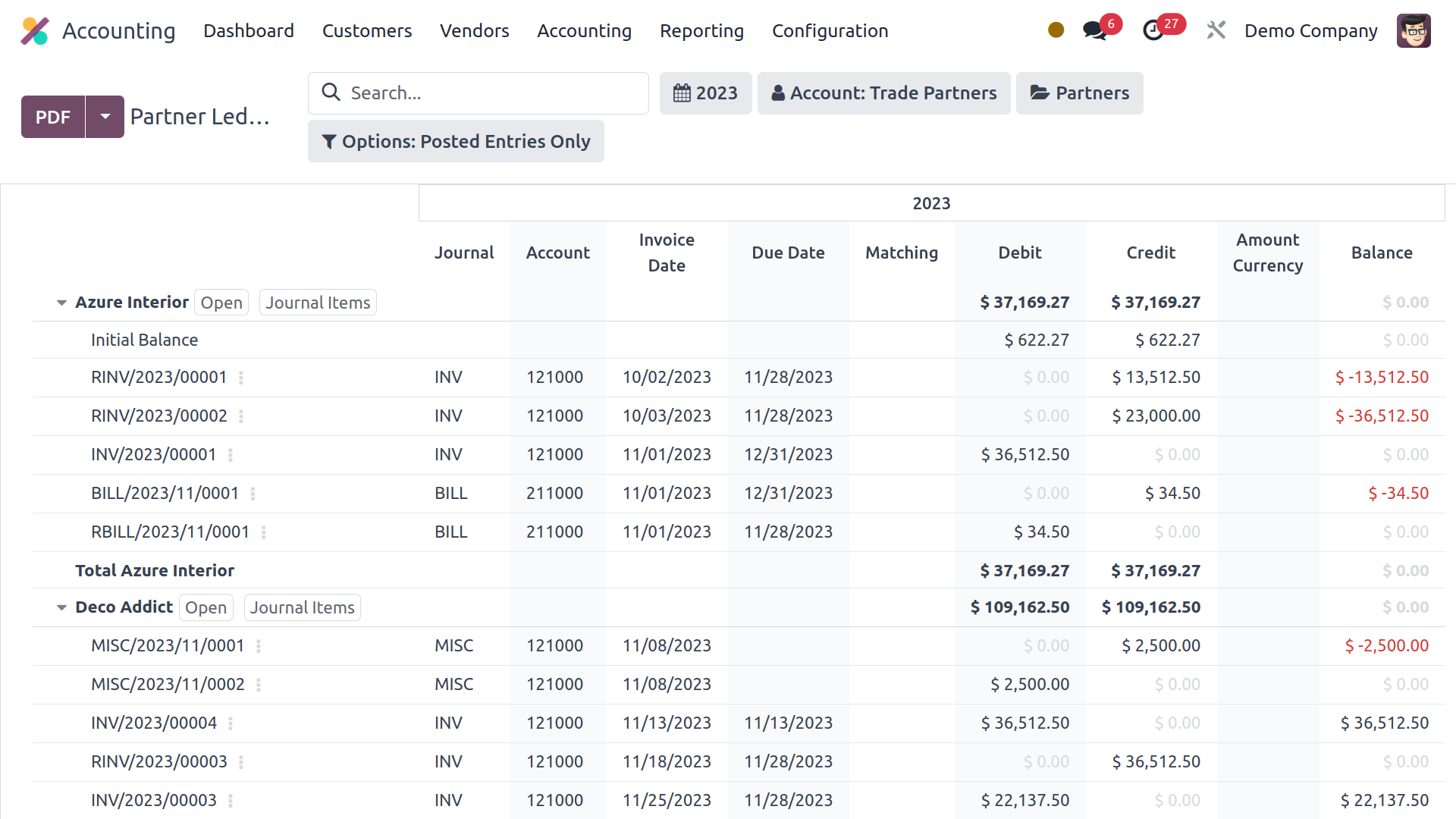
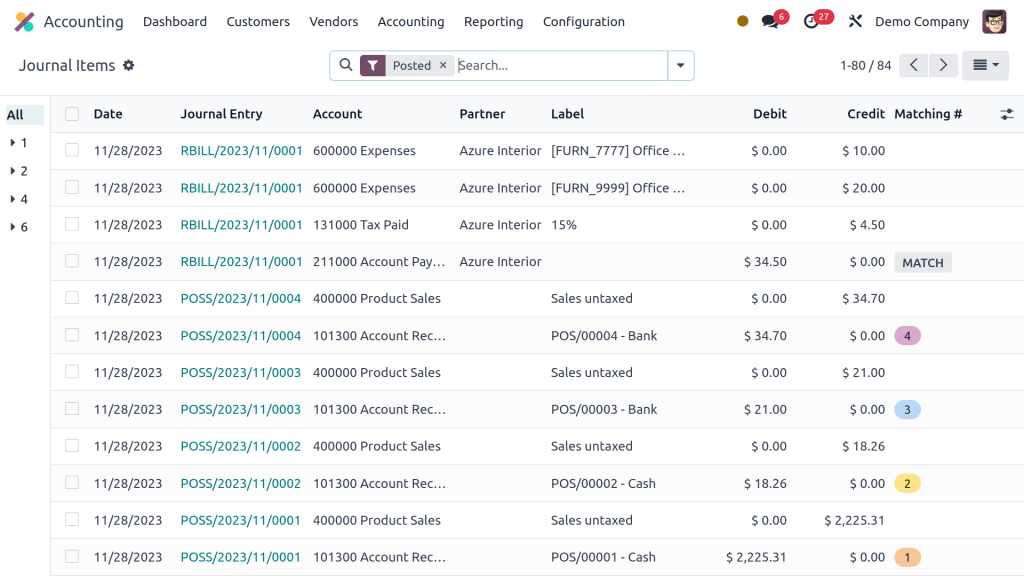

Our Odoo accounting demo at AlaricSoft shows you how to manage your finances through automated workflows and integrated modules. We walk you through essential setups like tax configurations, charts of accounts, and fiscal positions to ensure your system meets local standards. This session gives you a clear understanding of the platform's full financial power and how it simplifies your daily bookkeeping.

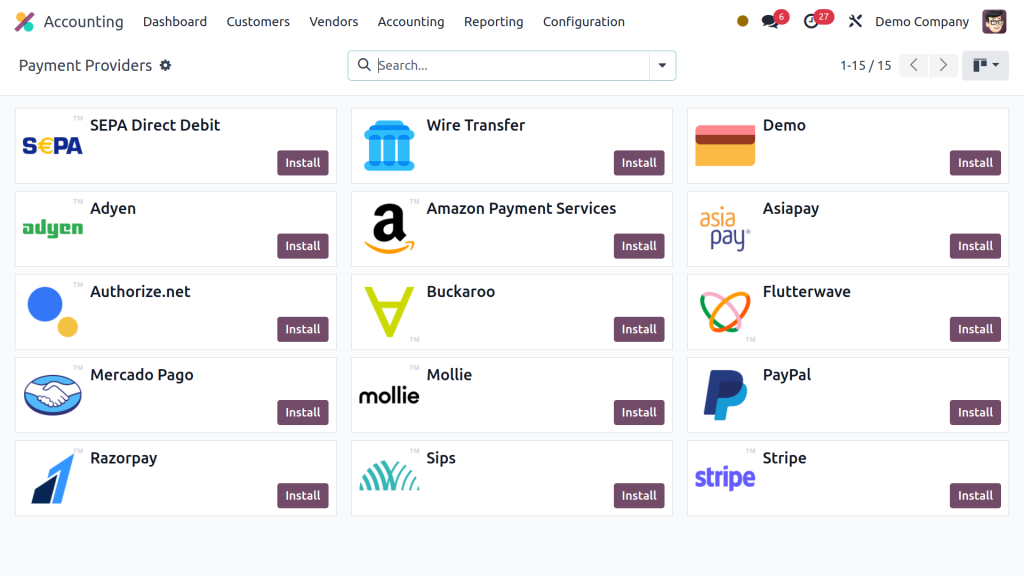
Our Odoo demo at Alaricsoft shows you how to generate customer invoices directly from your sales orders. We will guide you through managing different payment options and setting up payment acquirers for a smooth transaction process. You will also learn how our experts handle the technical aspects of invoicing to ensure your billing is accurate and automated.
Our Odoo CRM demo at Alaricsoft shows you how to capture and manage business opportunities effectively. We will walk you through key features like lead scoring, automated lead generation, and tracking customer activities to help you close deals faster. This session highlights how to use these tools to build stronger relationships and grow your sales pipeline.

Our Odoo sales demo at Alaricsoft shows you how to manage the entire sales process in a live environment. We will walk you through creating sales orders, handling down payments, and sending out invoices to customers. You will see how these features work together to streamline your operations and improve your team's efficiency.
Our Odoo inventory demo at Alaricsoft covers everything from product movement to advanced delivery methods. We will walk you through essential features like putaway rules, drop shipping, and cross-docking to optimize your warehouse. This session shows you how to manage your stock levels efficiently and streamline your entire supply chain.
Our Odoo expense demo at Alaricsoft shows you how to effectively manage employee and company spending in one place. We will walk you through the entire process, including creating expense reports, setting up approval workflows, and linking them to your accounting. This session highlights how to simplify reimbursements and keep your company's financial records organized.

Our Odoo maintenance demo at Alaricsoft shows you how to manage and schedule repairs for your company’s equipment. We will guide you through configuring maintenance requests and setting up preventive plans to keep your machinery running smoothly. This session highlights how to track service history and minimize downtime through an organized digital workflow.
Our Odoo approvals demo at Alaricsoft shows you how to streamline permission requests to keep your business running smoothly. We will walk you through how employees submit requests and how managers can quickly review and grant them. This session highlights how to create a systematic workflow that ensures all company operations are properly authorized and efficient.

Our Odoo project demo at Alaricsoft shows you how to create and organize new projects to keep your operations running smoothly. We will walk you through managing tasks efficiently and assigning the right employees to each stage of the work. This session highlights how to track progress and collaborate with your team to ensure every project is completed on time.

Our Odoo manufacturing demo at Alaricsoft shows you how to gain complete control over your entire production process. We will walk you through setting up work centers, defining manufacturing orders, and automating production based on your inventory levels. This session highlights how to streamline your shop floor operations and manage resources efficiently to meet your delivery goals.
Our Odoo purchase demo at Alaricsoft shows you how to manage vendor relations and automate your procurement process. We will walk you through sending requests for quotations and setting up purchase agreements that link directly with your inventory and accounting. This session highlights how to streamline your buying cycles while keeping your stock levels and financial records perfectly synchronized.
Our Odoo Studio demo at Alaricsoft shows you how to customize your platform and build new features without writing code. We will walk you through creating custom applications, designing unique views, and adding specific fields to match your business needs. This session highlights how to tailor Odoo’s behavior to fit your exact operational requirements perfectly.

Our Odoo documents demo at Alaricsoft shows you how to move toward a paperless office by managing all your files digitally. We will walk you through saving and organizing invoices, sales orders, and inventory records directly within the platform. This session highlights how to centralize your company data, making it easy to find and share important documents across every department.